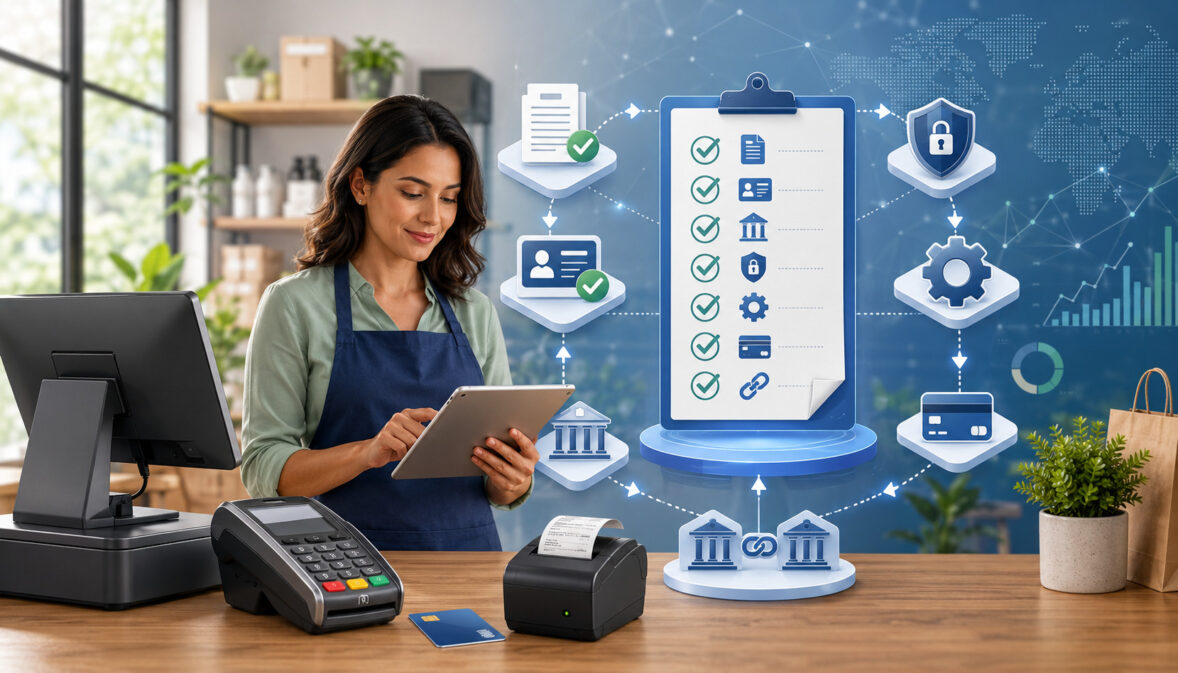
A merchant account setup checklist gives businesses a practical way to prepare before accepting credit cards, debit cards, online payments, invoices, mobile payments, and recurring billing.
Without a clear checklist, the setup process can become slower than expected because missing documents, mismatched business details, unclear policies, or incomplete payment tools can delay approval.
Setting up payment acceptance is not just about filling out an application. A business also needs the right bank account details, accurate ownership information, processing equipment, secure payment processing workflows, and clear customer-facing policies.
For ecommerce and service-based businesses, online payment setup also requires a working website, secure checkout, refund terms, privacy information, and accurate product or service descriptions.
A strong merchant account setup checklist helps you organize every requirement before submitting an application. It also helps you compare providers, understand pricing, prepare for underwriting, set up terminals or gateways, and test transactions before going live.
Whether your business sells in person, online, by invoice, over the phone, or through recurring billing, preparation reduces friction.
This merchant account setup guide walks through the documents, review steps, security controls, POS setup, payment gateway setup, and common mistakes to avoid. Use it as a practical merchant services setup checklist before applying, switching providers, or expanding into new payment channels.
What Is a Merchant Account Setup Checklist?
A merchant account setup checklist is a structured list of everything a business should prepare before it can accept card payments and other electronic payments.
It usually includes business information, ownership details, bank account data, tax identification details, website requirements, processing equipment, pricing review points, security steps, and documents needed for underwriting.
The purpose is to make business merchant account setup easier and more predictable. Payment providers and underwriters need to verify that the business is legitimate, that funds can be settled to the correct bank account, and that the products or services being sold match the stated business model. If the application has gaps, the approval process may pause while the provider requests additional information.
A useful merchant account application checklist should cover both paperwork and operational readiness. Paperwork includes items such as a business license, ownership identification, bank statements, voided check or bank letter, processing history, and website URL when applicable.
Operational readiness includes terminal setup, POS setup, payment gateway setup, online payment setup, invoicing tools, refund permissions, fraud filters, and staff training.
The checklist also helps businesses avoid choosing payment tools that do not fit how they actually sell. A restaurant, retail store, professional service firm, ecommerce shop, mobile business, and subscription business may all need different payment workflows.
Some need countertop terminals and tip adjustment. Others need a virtual terminal, hosted checkout page, recurring billing, ACH options, or integration with inventory and accounting software.
A merchant account setup checklist is especially valuable because merchant services approval often depends on consistency. The business name on the application should match business documents. The bank account should match the legal entity or authorized owner.
The website should clearly show what is sold. Refund and delivery policies should be easy to find. These details may seem small, but they can make the difference between fast approval and repeated follow-up requests.
Why Merchant Account Setup Matters
Merchant account setup matters because payment acceptance affects revenue, customer experience, cash flow, accounting, fraud control, and compliance.
A rushed setup can lead to approval delays, incorrect pricing, settlement problems, chargeback exposure, failed integrations, or avoidable security risks. A careful setup creates a stronger foundation before the first transaction is processed.
Many businesses focus only on the ability to accept payments, but the full payment processing setup includes much more. You need a provider that supports your sales channels, hardware that fits your checkout environment, software that integrates with your workflow, and reporting that helps reconcile deposits.
You also need clear policies that customers can review before buying, especially when selling online or accepting deposits, subscriptions, custom orders, or delayed delivery.
A checklist also supports merchant services approval by showing that your business is organized and transparent. Underwriting teams commonly review ownership, business history, expected volume, average ticket size, refund exposure, delivery method, industry type, website content, and previous processing activity. A complete application helps the provider understand your business without unnecessary back-and-forth.
Merchant account setup also matters for cost control. Pricing models, gateway fees, statement fees, chargeback fees, equipment costs, batch fees, and contract terms can affect total processing costs.
Reviewing these items before signing helps you avoid surprises. For deeper cost awareness, businesses can review resources such as understanding the true cost of credit card processing when comparing payment options.
| Setup Step | Why It Matters | What to Prepare |
| Business verification | Confirms the business is legitimate and matches the application | Business registration, tax details, ownership information, address, phone, email |
| Bank account setup | Ensures funds settle to the correct account | Voided check, bank letter, account and routing details, settlement preferences |
| Website review | Helps verify products, policies, and checkout transparency | Website URL, refund policy, privacy policy, terms, contact page, product details |
| Payment tools | Matches processing tools to sales channels | POS system, terminal, payment gateway, virtual terminal, invoicing, mobile reader |
| Security setup | Reduces fraud, card data exposure, and internal misuse | PCI-aware workflows, encryption, tokenization, user permissions, fraud filters |
| Pricing review | Helps prevent unexpected costs | Rate schedule, monthly fees, gateway fees, chargeback fees, equipment terms |
| Test transactions | Confirms the system works before launch | Test card sale, refund, void, batch close, receipt, settlement tracking |
A strong merchant services setup checklist is not just a pre-approval tool. It is also a launch checklist. Before going live, the business should confirm that payments authorize correctly, receipts display accurate information, refunds work, batches close properly, deposits reconcile, and staff know how to handle common payment scenarios.
Business Verification Documents
Business verification documents help confirm that the business exists, operates in the stated industry, and is connected to the person applying. These documents may include business registration records, tax identification information, owner or officer details, physical address, contact information, and licenses when required for the type of business.
The application should use consistent business details across every document. If the legal name, doing-business-as name, address, phone number, or ownership information differs from one record to another, the provider may ask for clarification.
Even small differences can slow merchant services approval because underwriters need to confirm that the applicant is authorized to open the account.
Business verification also helps the provider understand the risk profile of the account. A company selling low-ticket retail products in person may be reviewed differently from a business selling custom services, digital products, subscriptions, or high-ticket goods. The clearer the business description, the easier it is for underwriting to evaluate the account.
For best results, prepare a concise product or service description that explains what you sell, how customers buy, how orders are delivered, and when customers are charged. This helps align your business merchant account setup with your real operating model.
Bank Account and Settlement Details
Accurate bank account and settlement details are essential because approved card payments eventually need to deposit into the business bank account.
If banking information is incorrect, incomplete, or inconsistent with the business name, deposits may be delayed or rejected. This is why many providers request a voided check, bank letter, or other proof that confirms the settlement account.
Settlement setup also affects daily cash flow. Businesses should ask how often deposits are sent, when batches close, whether weekends or holidays affect funding, and how fees are deducted. Some providers deduct fees daily, while others deduct them monthly. Understanding this before launch helps with cash flow planning and bookkeeping.
Deposit tracking is another important part of payment processing setup. The amount customers pay is not always the same amount that lands in the bank account because fees, refunds, chargebacks, tips, batch timing, and adjustments may change the final deposit. Strong reporting makes it easier to reconcile sales, fees, and funding.
During setup, confirm who has access to settlement reports and bank change permissions. Bank account changes should require strong internal controls because settlement redirection is a serious risk. Limit access to authorized staff and review account changes carefully.
Website and Payment Policy Review
For ecommerce and online payment setup, the website is often part of the merchant account review. A payment provider may check whether the site clearly explains what is being sold, how customers can contact the business, what the refund policy says, how shipping or delivery works, and whether checkout is secure. A vague or unfinished website can delay approval.
A good website should include visible contact information, product or service descriptions, pricing where appropriate, refund or cancellation terms, privacy policy, terms of service, and checkout security indicators.
If the business sells subscriptions or recurring billing plans, the billing terms should explain the amount, frequency, cancellation process, and customer authorization steps.
Secure checkout is also important. The site should use HTTPS, avoid collecting unnecessary sensitive data, and route payment information through a secure payment gateway. Businesses should not store card numbers in spreadsheets, email inboxes, notes, or unprotected systems.
Customer-facing policies reduce confusion and help prevent disputes. A clear refund policy, delivery timeline, and support process can reduce chargebacks because customers know what to expect before they pay. These policies also help underwriting confirm that the business is prepared to handle payments responsibly.
Merchant Account Setup Guide Step by Step
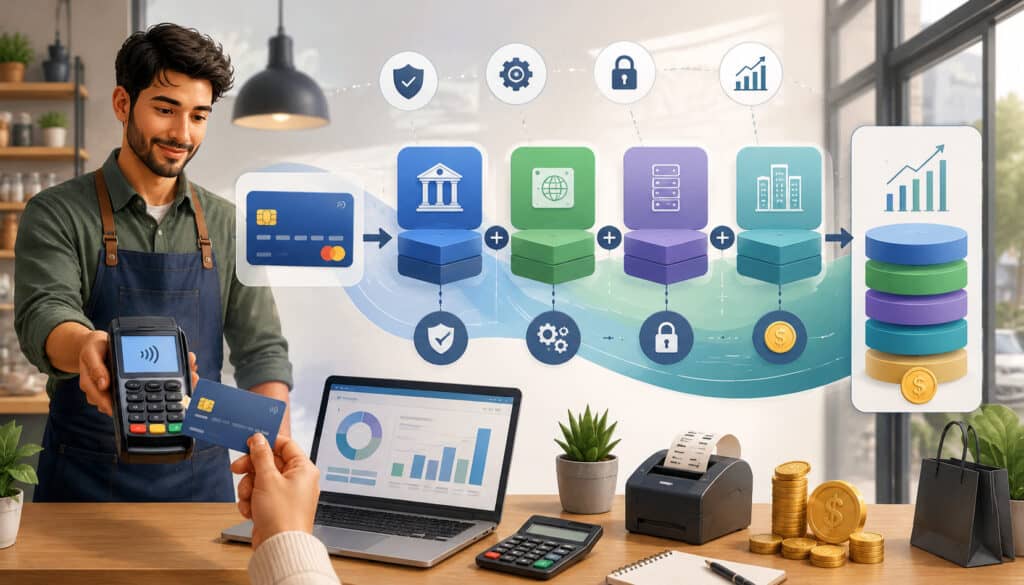
A merchant account setup guide should begin before the application is submitted. The first step is to define how the business needs to accept payments. In-person retail, mobile sales, ecommerce checkout, phone orders, invoices, subscriptions, events, and service deposits can all require different tools. Choosing a provider before mapping these needs can lead to mismatched equipment or missing features.
Start by listing your payment channels. Include card-present checkout, online checkout, keyed payments, invoices, mobile payments, recurring billing, stored cards, digital wallets, and ACH if relevant. Then match each channel to the tool required.
For example, a retail shop may need a POS system and countertop terminal, while a consulting business may need a virtual terminal and invoice payment link. An ecommerce store may need payment gateway setup, fraud tools, and shopping cart integration.
Next, compare providers based on approval requirements, pricing structure, support, integrations, equipment options, contract terms, and reporting. Do not focus only on the advertised rate.
Review monthly fees, gateway fees, batch fees, chargeback fees, PCI-related fees, early termination terms, and hardware costs. If you are comparing pricing models, interchange plus vs. flat rate pricing can help explain how different structures may affect total cost.
After choosing a provider, complete the merchant account application checklist carefully. Use the correct legal business name, business address, ownership information, tax details, bank details, website URL, expected monthly volume, average ticket size, and highest expected ticket size.
Avoid guessing wildly. Underwriting uses these numbers to understand account activity, and large unexpected differences after launch may trigger reviews.
Then submit merchant account documents. These may include identification, business registration, bank statements, processing statements, voided check, website policies, product descriptions, invoices, or other records depending on the business model. If the provider requests clarification, respond quickly and consistently.
Once the application enters underwriting, the provider reviews business legitimacy, ownership, financial stability, products or services, processing risk, refund exposure, delivery timelines, and website readiness. A helpful overview of merchant account underwriting explains why preparation and accurate information matter during review.
After approval, the provider creates the merchant account and configures the payment tools. This may include terminal programming, POS setup, gateway credentials, user accounts, settlement settings, descriptor setup, receipt details, fraud filters, and reporting access.
The billing descriptor is especially important because it is what customers see on their card statements. A confusing descriptor can increase disputes.
Before launch, run test transactions. Test a sale, void, refund, receipt, batch close, settlement report, and user permission. For ecommerce, test checkout on desktop and mobile. For invoicing, test the payment link and customer receipt. For recurring billing, test plan setup, authorization language, billing schedule, cancellation workflow, and failed-payment notifications.
Credit Card Processing Setup for Businesses
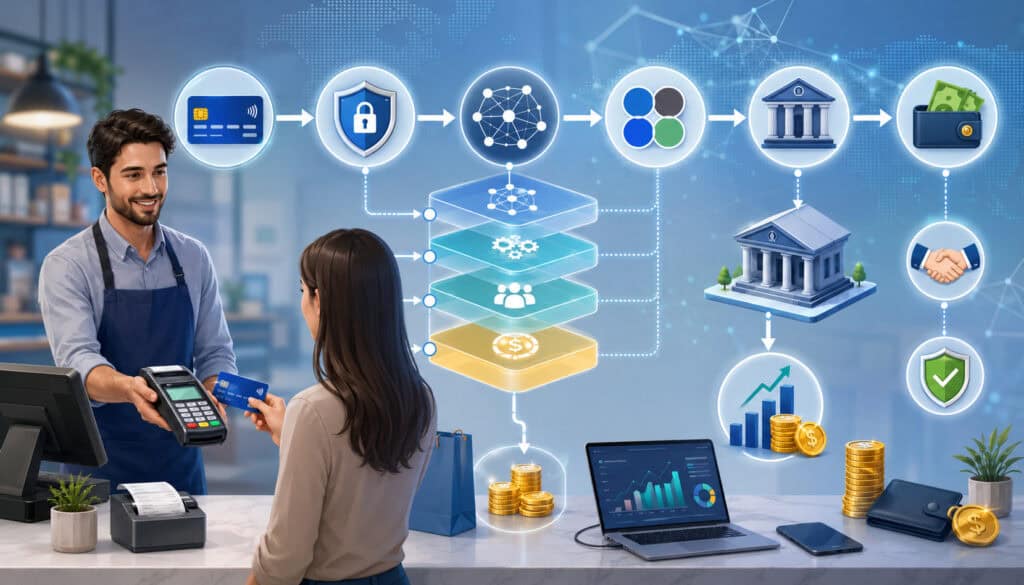
Credit card processing setup for businesses should match how customers actually pay. A business with a physical checkout counter may need a POS system, cash drawer, receipt printer, barcode scanner, and EMV-capable terminal.
A mobile service provider may need a card reader, mobile app, invoice tool, and reliable data connection. An online seller may need a gateway, shopping cart integration, fraud filters, and checkout policies.
POS setup is one of the most important parts of in-person payment acceptance. A POS system does more than accept cards. It may manage inventory, discounts, taxes, tips, employee permissions, refunds, loyalty, reporting, and customer records.
If the POS is not configured correctly, the business may face inaccurate totals, tax problems, slow checkout, or poor reporting. For more detailed POS cost and configuration considerations, review how to optimize your POS system for fee reduction.
Terminals should support current card acceptance methods such as chip, tap, and secure PIN entry where applicable. Keyed transactions should be limited because they usually carry higher risk and may cost more. Staff should know when to use chip or contactless entry, when manager approval is required, and how to handle declined cards.
Payment gateway setup is essential for online payment setup. The gateway securely connects the website, shopping cart, or invoice page to the payment processor.
It may support hosted payment pages, embedded checkout, saved cards, recurring billing, fraud screening, address verification, card security code checks, and transaction reporting. The gateway should be configured to reduce friction while still protecting the business from suspicious activity.
Virtual terminals are useful for businesses that accept phone orders, mail orders, deposits, or remote payments entered by staff. Because keyed payments carry added risk, businesses should use address verification, card security code prompts, user permissions, and transaction notes. Staff should never write down card numbers or store them in unsecured systems.
Invoicing tools help service businesses, contractors, wholesalers, and professional firms collect payments without a full ecommerce store. A good invoice payment setup should include due dates, line items, payment links, automatic reminders, partial payment options when needed, and clear customer receipts.
If the business also wants bank-based payment options, accepting eChecks and ACH payments online may be worth reviewing as part of a broader payment strategy.
Recurring billing tools support subscriptions, memberships, payment plans, retainers, and repeat service agreements. This setup requires extra care because customers must clearly understand when they will be charged, how much they will be charged, and how to cancel.
Use tokenization rather than storing card details directly, and make sure failed-payment notices and cancellation workflows are documented.
Common Documents Needed for Merchant Services Setup
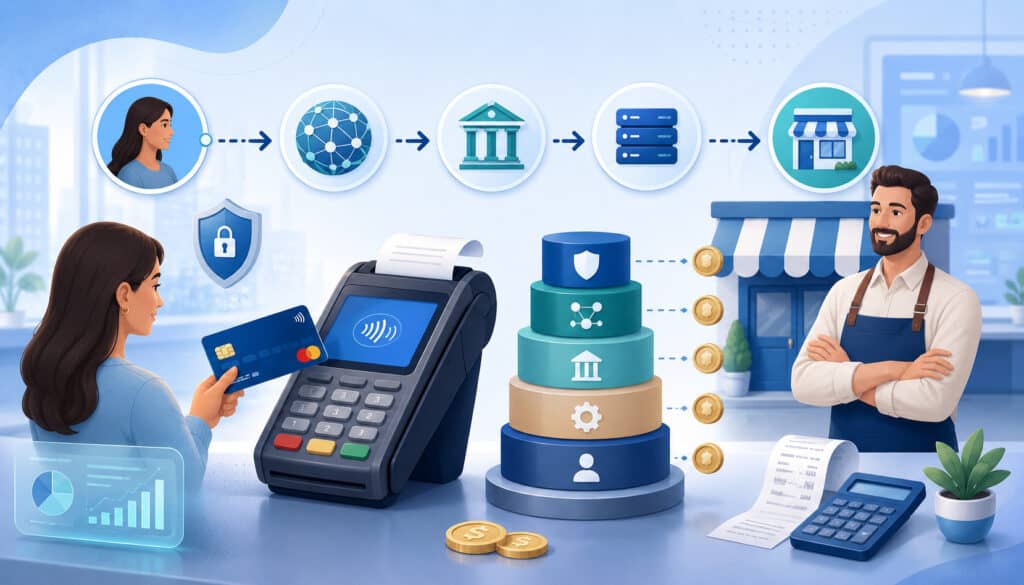
Common documents needed for merchant services setup vary by provider and business type, but most applications require enough information to verify identity, ownership, banking, and business activity. Preparing these items in advance can reduce delays and help the provider evaluate the account more efficiently.
A basic merchant account documents folder may include a completed application, government-issued owner identification, business registration, tax identification details, voided check or bank letter, recent bank statements, previous processing statements, business license if applicable, product or service description, website URL, refund policy, and contact information.
Some businesses may also need invoices, supplier information, fulfillment details, professional licenses, or financial statements.
Previous processing history is especially useful for established businesses. Processing statements show monthly volume, average ticket, chargeback activity, refund patterns, and card mix.
This helps underwriting compare the requested account setup against real transaction history. If the business is new and has no processing history, the application should provide realistic volume estimates based on expected sales.
The website URL is important for online sellers and any business that markets or accepts payments through a website. The site should not look unfinished. It should explain what customers are buying, who they are buying from, how to contact support, how refunds work, and how customer data is handled.
The website should also avoid unsupported claims, confusing pricing, missing product details, or checkout pages that do not match the application.
A refund policy is often reviewed because it affects chargeback risk. Businesses with custom orders, deposits, appointments, delayed shipping, subscriptions, or digital services should be especially clear.
The policy should explain whether refunds are allowed, how customers request them, how long processing may take, and whether cancellations have deadlines.
Here is a practical merchant account application checklist to prepare before applying:
| Document or Detail | Typically Needed For | Preparation Notes |
| Legal business name | Application and underwriting | Match business registration and bank records |
| Business address and contact details | Verification and customer support | Use accurate phone, email, and website details |
| Owner or officer identification | Identity verification | Provide current, readable identification |
| Tax identification details | Business verification | Ensure details match registration records |
| Business license | Regulated or licensed activities | Include current license if required |
| Voided check or bank letter | Settlement setup | Confirm account ownership and routing details |
| Bank statements | Financial review | Provide recent statements if requested |
| Processing statements | Existing merchant review | Include recent statements from current processor |
| Website URL | Ecommerce and online sales review | Site should include policies and secure checkout |
| Product or service description | Risk and underwriting review | Describe what is sold, delivery timing, and billing method |
| Refund or cancellation policy | Dispute prevention | Make terms visible and easy to understand |
| Expected volume and ticket size | Account configuration | Use realistic estimates based on actual operations |
Businesses should keep these documents updated after approval as well. If ownership, bank accounts, website domain, products, average ticket size, or sales channels change significantly, the provider may need updated information. Keeping records current helps prevent account holds and review issues later.
Payment Security Setup Checklist
A payment security setup checklist helps protect customers, reduce fraud, and keep payment workflows controlled. Secure payment processing should be built into daily operations from the beginning, not added after a problem occurs.
Businesses that accept cards should understand how card data flows through terminals, POS systems, gateways, invoices, virtual terminals, and stored payment tools.
Encryption and tokenization are two important concepts. Encryption protects payment data while it is transmitted or processed. Tokenization replaces sensitive card details with a token that can be used for future transactions without exposing the actual card number. These tools reduce the need for the business to handle sensitive card data directly.
PCI-aware workflows are also important. Staff should know not to store card numbers in notes, spreadsheets, chat messages, emails, images, or paper files.
If phone payments are accepted, employees should enter the card information directly into the approved virtual terminal or payment system rather than writing it down for later. Card data should never be shared through unsecured channels.
User permissions should follow the principle of limited access. Not every employee needs refund access, settlement access, user management access, or bank account editing permissions. A cashier may only need sale and void permissions, while a manager may need refund approval rights. Administrative access should be limited to trusted personnel.
Fraud filters should be configured based on the business model. Ecommerce merchants may use address verification, card security code checks, velocity limits, device signals, order review thresholds, and rules for mismatched billing or shipping details.
Service businesses may need deposit limits, invoice review, and authorization records. Recurring billing businesses should keep clear customer authorization and cancellation records.
Refund controls are a major part of secure payment processing. Require manager approval for large refunds, refunds to different payment methods, or unusual refund patterns. Track refund reasons and review reports regularly. Refund abuse can come from external fraud or internal misuse.
Safe card handling also includes physical security. Terminals should be inspected for tampering, positioned where staff can see them, and updated when firmware or security patches are needed. Mobile readers should be assigned to responsible employees and returned after use. Lost devices should be reported immediately and disabled if necessary.
Payment Security Setup Checklist
- Use secure, approved payment hardware and software.
- Enable encryption and tokenization where available.
- Use HTTPS for checkout pages and customer payment forms.
- Avoid storing card data outside approved systems.
- Set unique user logins instead of shared passwords.
- Limit refund, void, settlement, and admin permissions.
- Turn on fraud filters appropriate for the sales channel.
- Require manager approval for high-risk payment actions.
- Review chargebacks, refunds, and declines regularly.
- Train staff on safe card handling and customer verification.
- Keep terminals, POS software, and gateway settings updated.
- Document payment procedures for sales, refunds, voids, and disputes.
Common Merchant Account Setup Mistakes to Avoid
One of the most common merchant account setup mistakes is submitting an incomplete application. Missing ownership details, incorrect business names, incomplete bank information, vague product descriptions, or unsupported volume estimates can slow approval.
A complete merchant account setup checklist helps prevent these issues before the application reaches underwriting.
Another mistake is using mismatched business details. The legal name on the application should align with registration records. The bank account should match the business or authorized owner.
The website should reflect the same business type described in the application. If the processor sees one business model on the application and another on the website, the review may take longer.
Unclear website policies are another frequent issue. Online sellers should not launch checkout with missing refund terms, no privacy policy, vague delivery details, or no contact information. Customers need to know what they are buying, when they will receive it, and how to request help. Clear policies support approval and reduce disputes.
Ignoring fees is also a costly mistake. Some businesses compare only one rate and overlook monthly fees, gateway fees, batch fees, chargeback fees, PCI-related fees, equipment terms, minimums, and contract clauses.
Before signing, ask for a full pricing schedule and review how fees are deducted. A low advertised rate does not always mean a lower total cost.
Poor security setup can create bigger problems later. Shared user logins, unrestricted refund access, untrained staff, weak passwords, and unsafe card handling can expose the business to fraud and operational risk. Payment security should be part of onboarding for every employee who handles transactions.
Failing to test payment systems is another avoidable mistake. Businesses should test sales, voids, refunds, receipts, settlement, reporting, taxes, tips, invoices, and recurring billing before going live.
Online sellers should test checkout on mobile and desktop, confirm order confirmation emails, and verify that the descriptor makes sense on card statements.
Businesses also sometimes choose tools that do not fit their workflow. A basic terminal may work for a small counter-service business but not for a retailer that needs inventory, employee tracking, and loyalty features.
A gateway without recurring billing may not fit a subscription model. A virtual terminal without strong permissions may not fit a team that accepts phone payments.
Finally, many businesses do not document internal payment procedures. Staff should know how to process a sale, handle a declined card, issue a refund, void a same-day transaction, close a batch, respond to a dispute, and escalate unusual activity. Documented workflows create consistency and reduce errors.
What is included in a merchant account setup checklist?
A merchant account setup checklist usually includes business verification details, ownership information, bank account details, merchant account documents, website policies, payment tools, security settings, pricing review items, and test transaction steps. It helps the business prepare for application review and launch.
The checklist should also include operational items such as POS setup, payment gateway setup, virtual terminal access, invoicing tools, recurring billing settings, refund permissions, fraud filters, and reporting access. A complete checklist covers both approval requirements and day-to-day payment readiness.
How long does business merchant account setup usually take?
The timeline depends on the business type, provider, documents, processing risk, website readiness, and how quickly the applicant responds to requests. A simple setup may move quickly when all documents are complete and the business model is easy to verify. More complex businesses may require additional review.
Preparation makes the biggest difference. If the application is accurate, documents are organized, policies are clear, and payment tools are selected in advance, the process is usually smoother. Delays often happen when information is missing, inconsistent, or difficult to verify.
What documents are commonly required for merchant services approval?
Common merchant account documents include a completed application, owner identification, business registration, tax details, voided check or bank letter, bank statements, previous processing statements, business license when applicable, website URL, product or service description, and refund policy.
The exact list can vary based on the business model. Ecommerce, high-ticket, subscription, custom-order, or regulated businesses may need more information. The best approach is to prepare a complete document folder before applying.
Do ecommerce businesses need a website review?
Yes, ecommerce businesses should expect the website to be reviewed as part of merchant services approval. The provider may check product details, pricing, contact information, checkout security, refund policy, privacy policy, terms, and delivery information.
A complete website helps show that customers can make informed purchase decisions. It also reduces chargeback risk because customers can review terms before paying. Secure checkout and visible support information are especially important.
What is the difference between payment gateway setup and POS setup?
Payment gateway setup supports online, invoice, virtual terminal, or recurring payments by securely connecting payment information to the processor. It is often used for ecommerce checkout, payment links, stored cards, and remote transactions.
POS setup supports in-person sales through hardware and software used at checkout. A POS system may include terminals, cash drawers, inventory tools, employee permissions, receipts, taxes, tips, and reporting. Some businesses need both a gateway and a POS system.
Why does underwriting review expected volume and ticket size?
Underwriting reviews expected monthly volume, average ticket size, and highest ticket size to understand the account’s risk profile. These numbers help the provider identify whether future activity matches what was approved.
Businesses should provide realistic estimates. If transaction activity is much higher than expected or includes unusually large tickets, the provider may request additional information. Accurate estimates reduce surprises after launch.
How can a business set up secure payment processing?
A business can set up secure payment processing by using approved payment systems, enabling encryption and tokenization, limiting user permissions, using fraud filters, training staff, avoiding unsafe card storage, and keeping payment software updated.
Security should also include clear internal procedures. Employees should know how to handle card data, refunds, voids, declined transactions, chargebacks, and suspicious activity. Good procedures reduce both fraud risk and operational errors.
Should a business test transactions before accepting real payments?
Yes, test transactions are an important part of the merchant services setup checklist. Businesses should test sales, voids, refunds, receipts, batch settlement, reporting, invoices, checkout pages, and recurring billing workflows before going live.
Testing helps catch setup problems early. It can reveal incorrect tax settings, broken payment links, unclear receipts, gateway errors, refund permission issues, or settlement reporting gaps. A small test before launch can prevent customer-facing problems later.
Conclusion
A merchant account setup checklist helps businesses prepare documents, avoid approval delays, configure secure payment tools, and start accepting payments with fewer surprises.
It turns a complex process into a manageable sequence: verify business details, prepare bank information, organize documents, review website policies, choose payment tools, complete underwriting, set up security controls, and test transactions.
The strongest setups are accurate, consistent, and practical. Business details should match across documents. Settlement information should be correct. Website policies should be clear. POS setup, payment gateway setup, invoicing, mobile payments, and recurring billing should match how customers actually pay.
A good merchant account setup guide also helps businesses think beyond approval. Payment processing setup affects cash flow, customer trust, dispute prevention, staff workflows, and long-term costs. By preparing ahead of time, businesses can reduce back-and-forth during merchant services approval and launch with more confidence.
Use this merchant account setup checklist before opening a new account, changing providers, adding online payment setup, or expanding into new sales channels. The better prepared your business is before the first transaction, the smoother payment acceptance becomes.